Task dependencies
Finish-to-start, start-to-start, finish-to-finish and start-to-finish links, with lead and lag time in days.
Plan projects with dependencies, milestones and a critical path – right in your browser or as a desktop app. No account, no ads, and your plans never leave your computer.
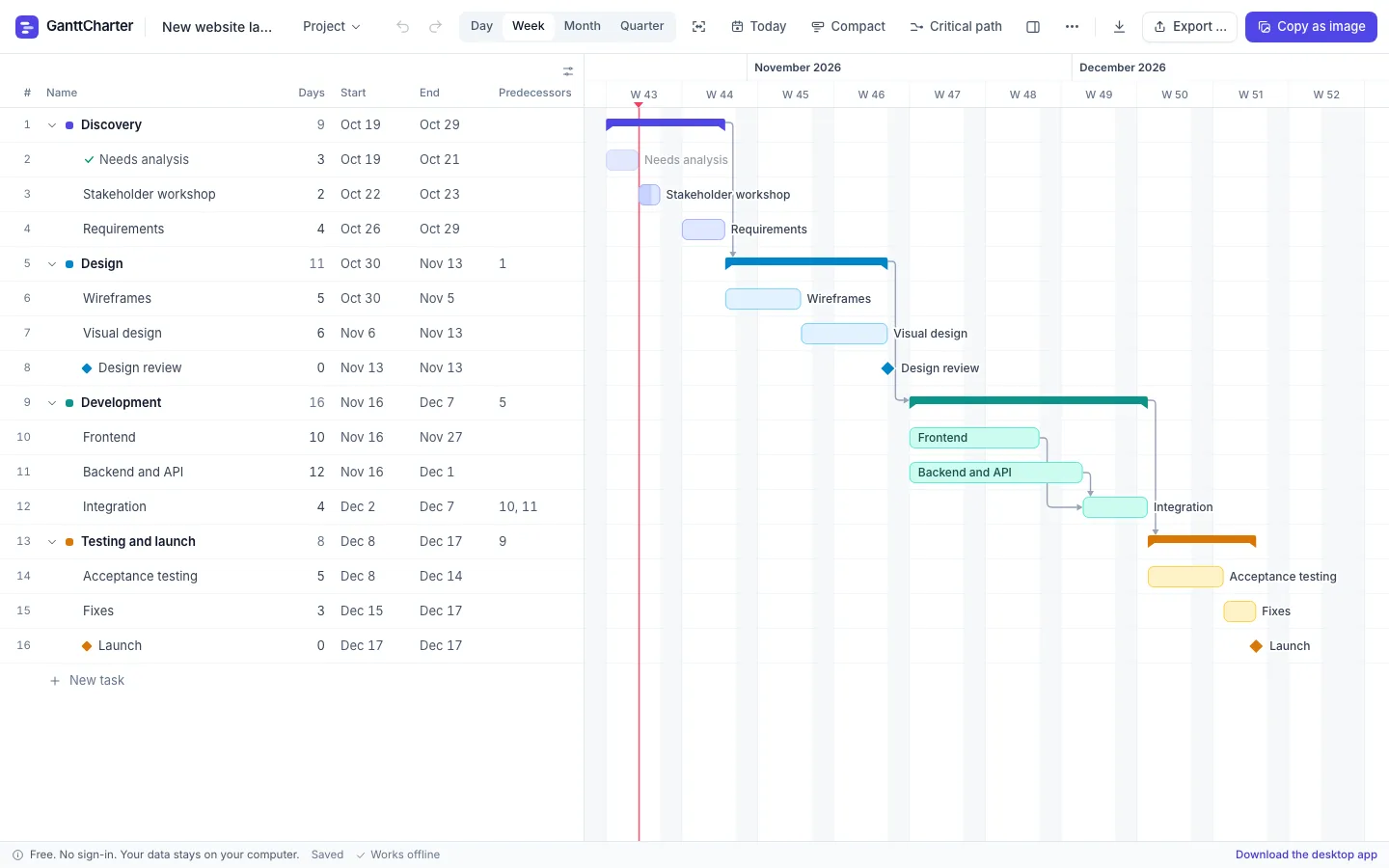
A real scheduling engine, not just coloured bars. Change one task and everything that depends on it moves with it.
Finish-to-start, start-to-start, finish-to-finish and start-to-finish links, with lead and lag time in days.
Dates are calculated for you on working days. Choose your work week, or schedule on calendar days.
Nest tasks into phases that roll up automatically, run subtasks in sequence or in parallel, and mark key dates as milestones.
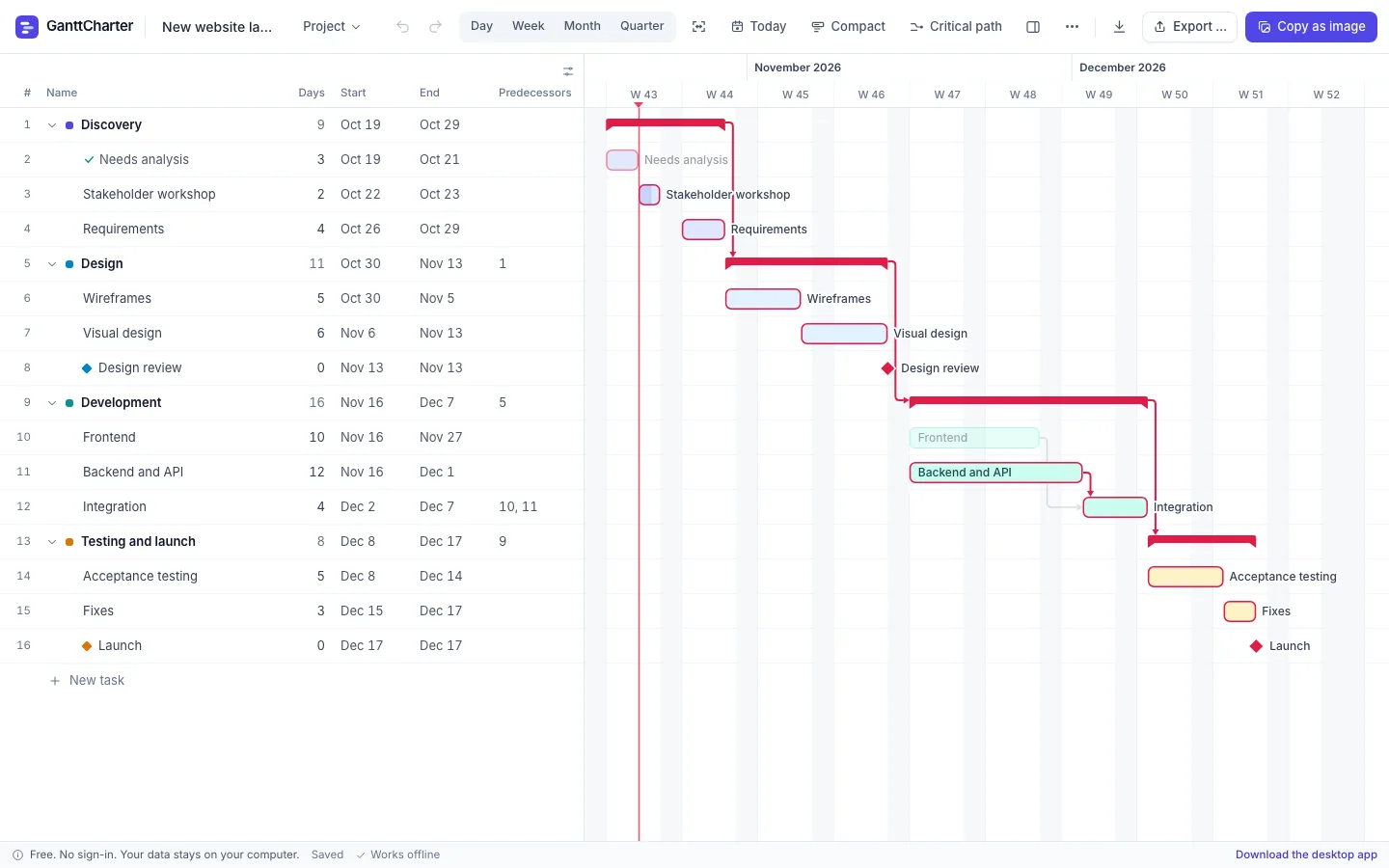
See at a glance which tasks decide your end date – and where you have slack.
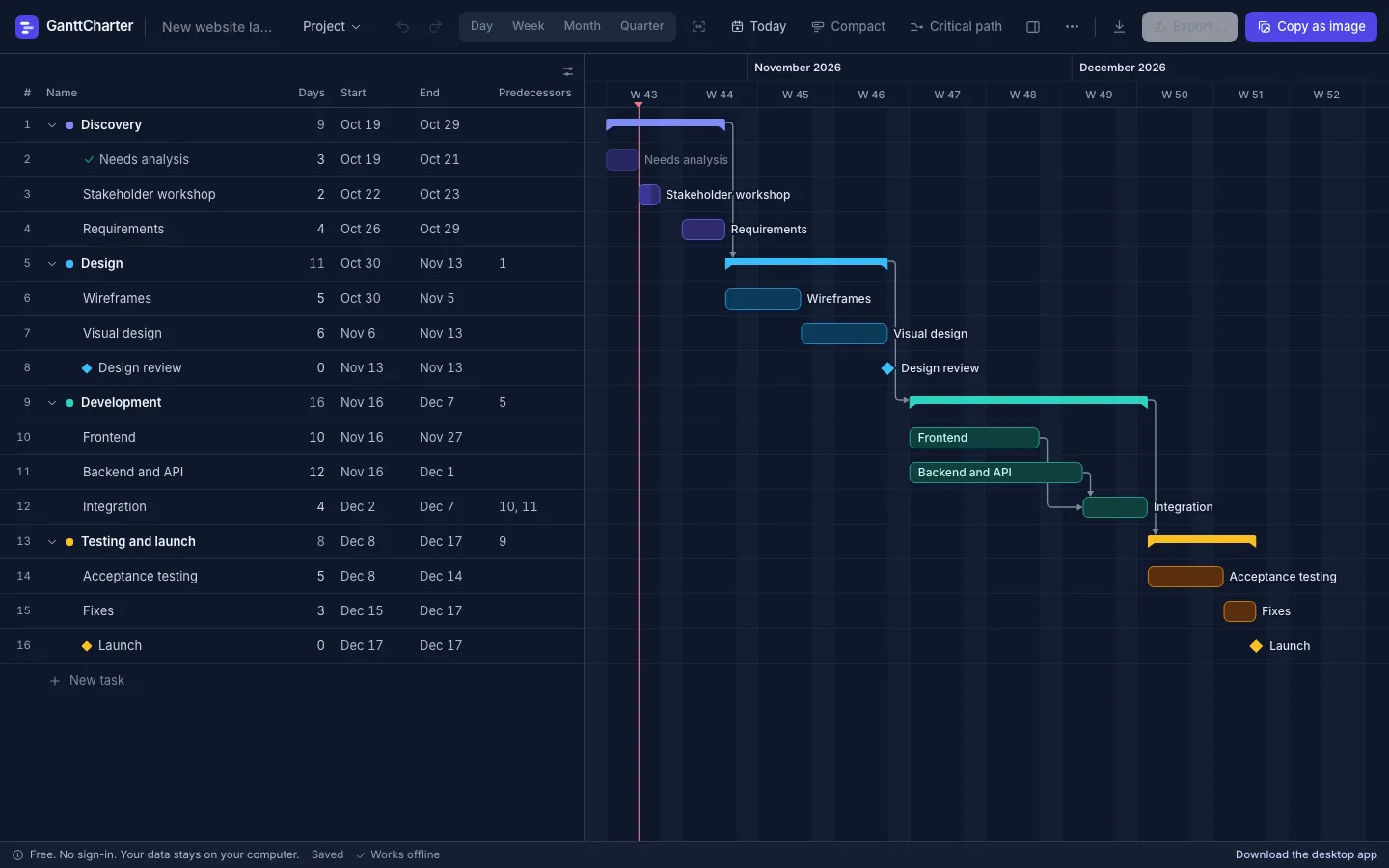
PNG, SVG or PDF in 16:9, 4:3, A4 or A3, with themes – or copy the chart as an image straight into your slides.
Import an existing task list from a spreadsheet, or export your plan to Excel, CSV or JSON.
The whole schedule fits in the link itself. Colleagues get a read-only view – no upload, no accounts.
Type tasks like in a spreadsheet: Enter to edit, Tab to indent, arrow keys in the date picker, shortcuts for everything else.
Note progress, issues and delays on each task with a timestamp, then copy “what happened since last meeting” as text.
Start from a template or a blank project and type your tasks the way you would in a spreadsheet.
Type names and durations. Indent with Tab to create phases.
Add predecessors and the schedule calculates itself.
Send a link, export a PDF or paste the chart into your deck.
Most online Gantt tools want your email and your project data on their servers. GanttCharter doesn't. There is no account and no backend storing your plans.
.gantt files like any other document – back them up, email them, put them in your cloud drive.| GanttCharter | Typical online tool | |
|---|---|---|
| Price | Free | Often paid per user |
| Account required | No | Yes |
| Where your data lives | Your computer | Their servers |
| Works offline | Yes | Rarely |
| Desktop app | Mac, Windows, Linux | Sometimes |
The same GanttCharter as a native app for Windows, macOS and Linux – with real file handling, a local database and automatic updates.
Yes. The web app and the desktop apps are free to use, with no trial period, no ads and no feature limits.
No. Open the app and start planning. There is no sign-up and no login.
On your own computer. The web app saves in your browser's local storage and the desktop app in a local database. You can also save
projects as .gantt files wherever you like.
Yes. After the first visit the web app works without a network connection, and it can be installed like an app. The desktop apps never need a connection to work.
Yes. Export the chart as PNG, SVG or PDF in slide or A4/A3 sizes, copy it as an image straight into a presentation, or export the tasks to Excel, CSV or JSON.
Yes. Import .xlsx, .csv or .json files and match the columns in the file to task name, duration, start date and predecessors.
Create a share link. The whole schedule is packed into the link itself, so nothing is uploaded to a server. Whoever opens it sees a read-only view and can make their own copy.
Any modern browser (Chrome, Edge, Firefox, Safari), plus desktop apps for Windows, macOS (Apple silicon and Intel) and Linux.
No sign-up. Your first Gantt chart is one click away.